
The Learning Technology team are proud to announce the recent launch of the new Home Dashboard experience on iris.
This was a project that was in planning stages for a long time. Thanks to staff feedback from the team’s survey, they were able to finalise and launch this overhauled interface.
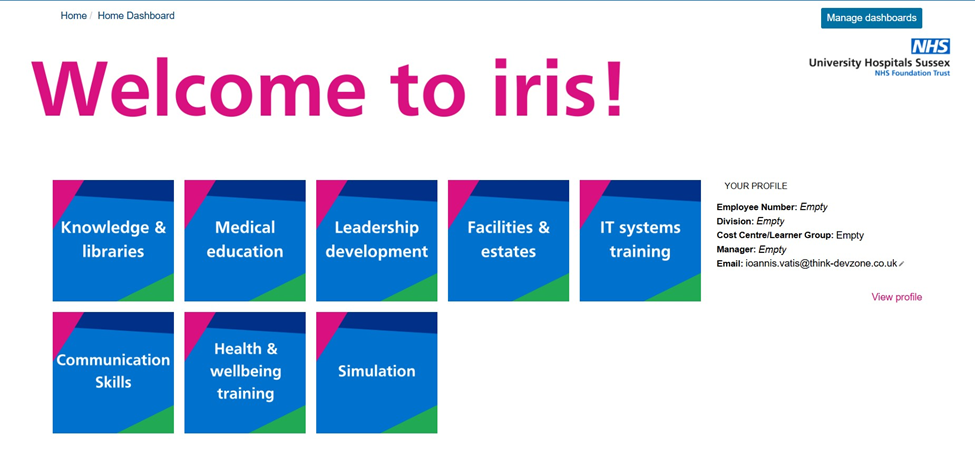
How do the new dashboards work?
The team’s main objective was to improve content discoverability. While iris has a catalogue in the Find Learning space, staff often aren’t aware of what courses or content are relevant to their role and area of work.
This new dashboard system enables faster access to content, whether you are looking for something specific or you want to explore what is available.
By clicking individual blocks, you will be taken to other Dashboard layers until you ultimately arrive at blocks that will take you to content, which can include the following:
- iris Courses
- External websites, courses and other Trust sites (ie. intranet)
- Education Hubs
- Filtered iris search queries
What Other Features Do the New Dashboards Have?
The new dashboards also come with other useful features.
Your Profile:
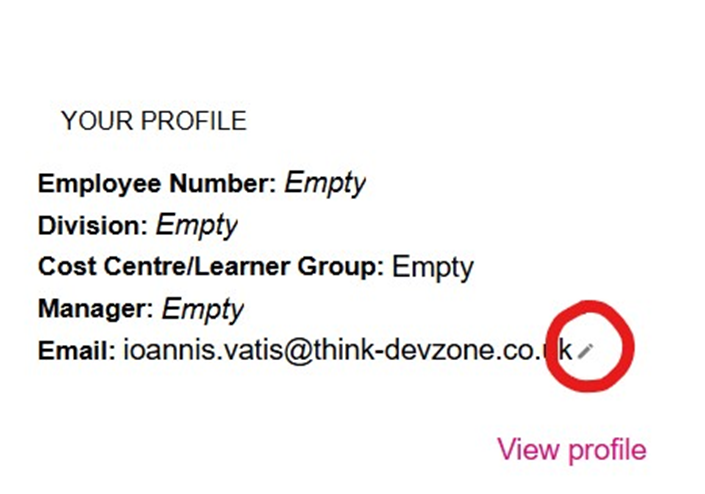
On the right-hand side of the dashboards is the Your Profile block. It contains a snapshot of important information available on your profile.
For staff, this information comes from ESR and is updated whenever there is a change.
The Email part of the Your Profile block is editable, allowing you to change your email as needed. All you need to do is click the pen icon next to your email, type in the email you want to register on iris and then press the Enter key on your keyboard.
Please note that changing your email on iris impacts where your course notifications and reminders are sent.
STAM & Essential Training:
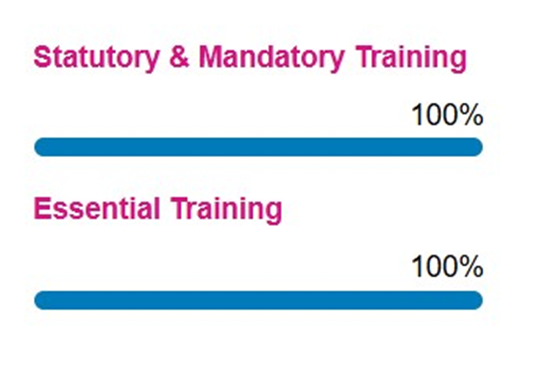
The Home Dashboard also has a block that shows your progress with your Statutory & Mandatory training as well as your Essential Training.
There are links to both that will take you to the relevant My Learning dashboards to have a more granular look at your mandatory training progress.
Dashboard navigation:
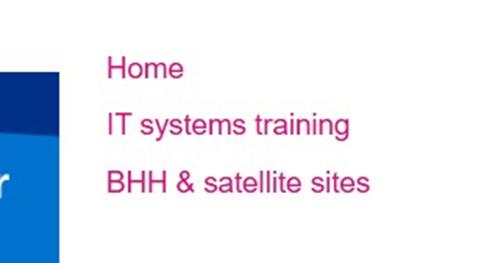
As you navigate through dashboard layers, you will notice on the right-hand side that there are links. These are there to help you go back to higher level layers without needing to rely on your browser’s back button.
The Learning Technology team hopes you are enjoying the new Home Dashboard experience on iris. For any queries, contact the team:
Learning Technology Team
 Email
[email protected]
Email
[email protected]